Video interview tips: setup, body language and a 30-minute prep plan
Most first-round interviews in India now happen on video, and the format eliminates candidates for reasons that have nothing to do with their answers: bad lighting, a lagging conne
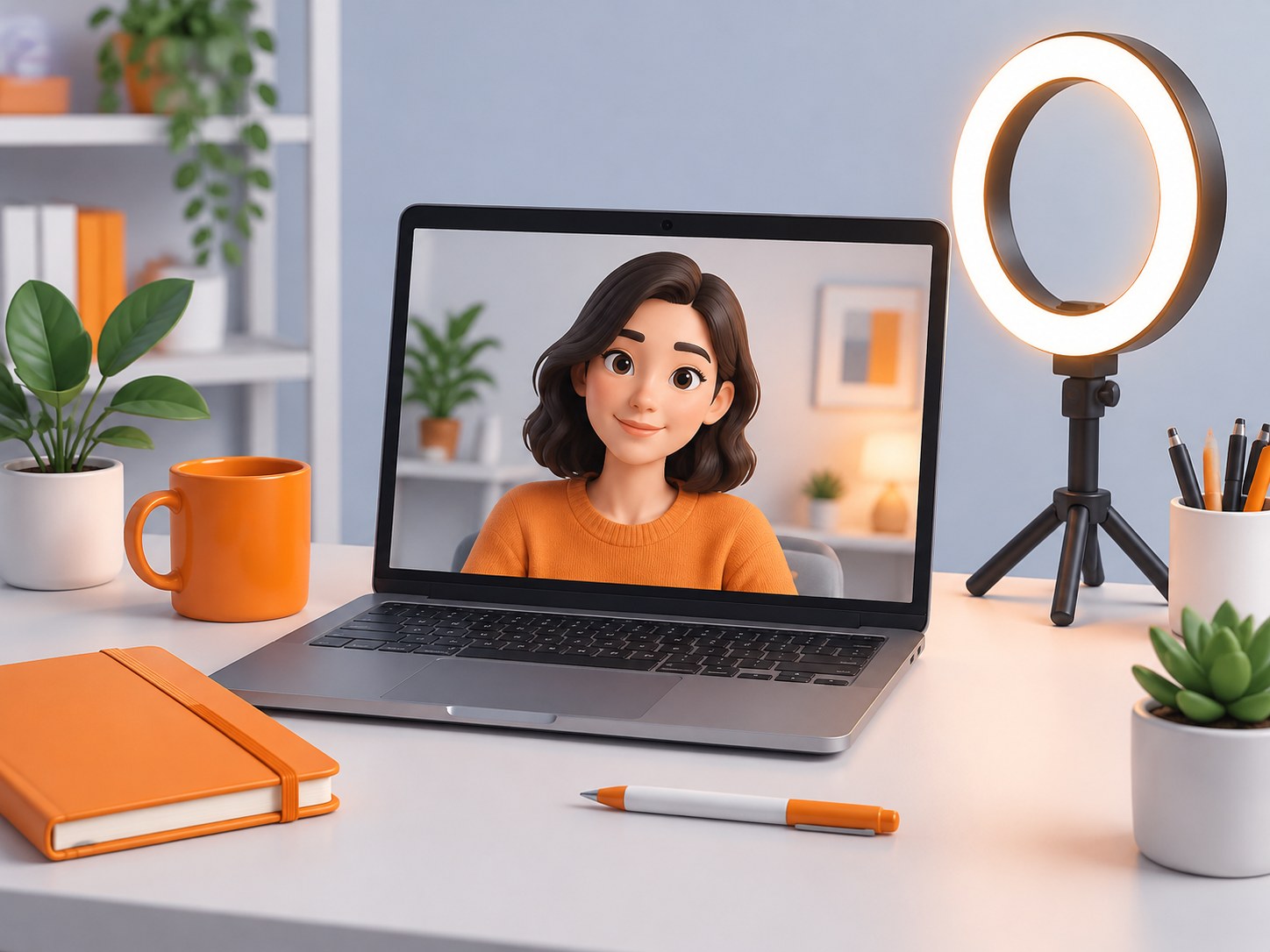
Most first-round interviews in India now happen on video, and the format eliminates candidates for reasons that have nothing to do with their answers: bad lighting, a lagging connection, a camera pointed at a ceiling fan. These video interview tips cover setup, body language and a 30-minute prep plan so the interviewer sees your best self, not your bandwidth problems.
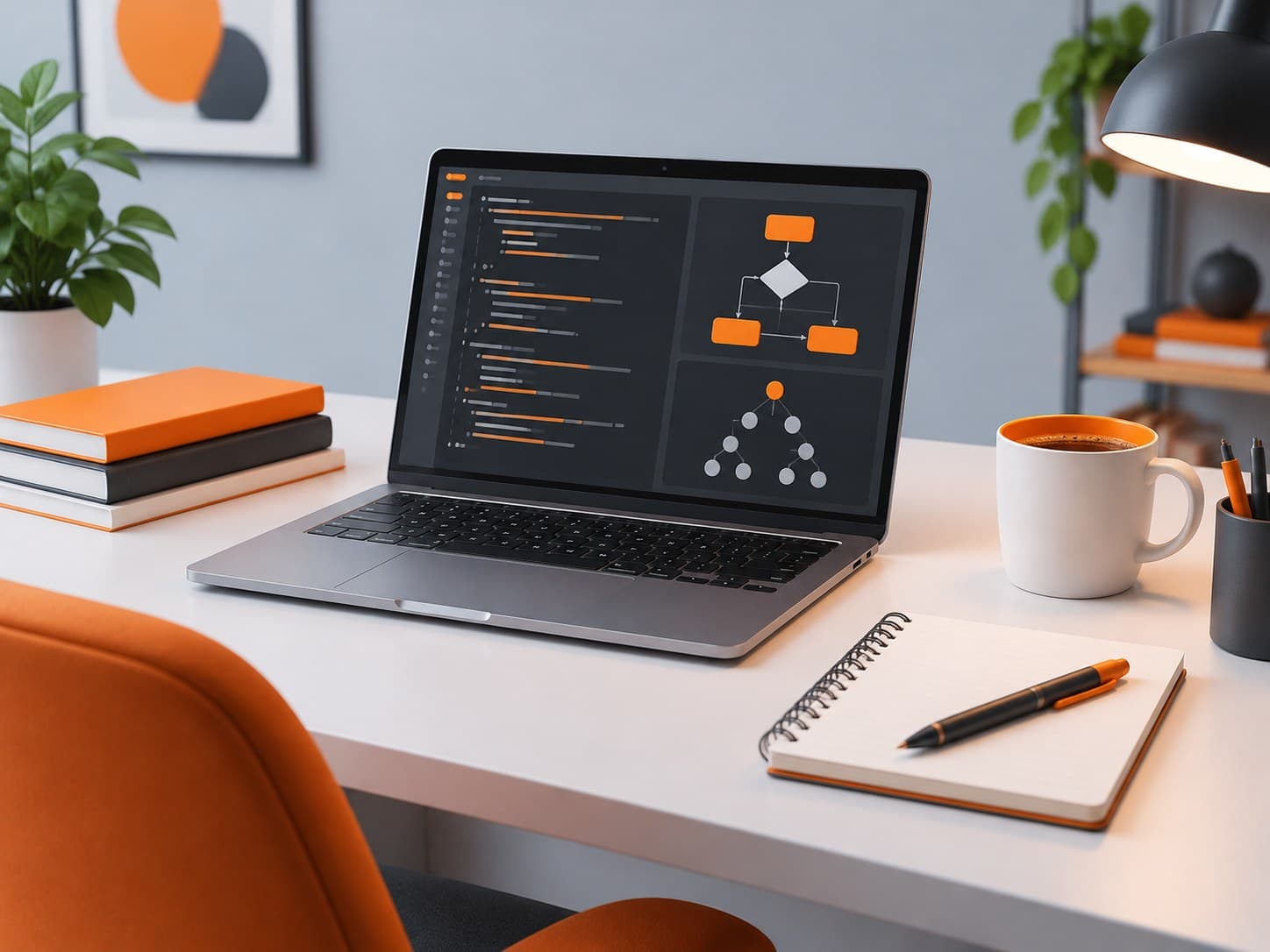
Set up your space before the call
| Item | Standard |
|---|---|
| Device | Laptop over phone. Charge fully and keep the charger plugged in. |
| Internet | Minimum 10 Mbps. Keep a mobile hotspot ready as backup and test both. |
| Background | Plain wall or tidy room. Remove anything moving behind you, including fans in frame. |
| Software | Install Zoom, Meet or Teams the night before and sign in. Update it in the morning. |
| Audio | Wired earphones beat laptop mics. Test with a friend, not in the interview. |
Camera, lighting and sound
Put the camera at eye level; a stack of books under the laptop works. Sit facing a window or a lamp so light falls on your face, never behind you. Close every app that can ping. And do a five-minute test call on the same platform: echo and lag are only fixable before the interview starts.
Body language on camera
- Look at the camera when you speak, not at your own video. It reads as eye contact.
- Sit a full arm's length from the camera so your hands are visible when you gesture.
- Smile in the first ten seconds. On video, warmth does not carry as far, so the opening matters more.
- Keep answers 10% shorter than you would in person. Video punishes rambling.
In a room, you are evaluated on your answers. On video, you are evaluated on your answers and your setup. Candidates lose offers to bad audio more often than to bad content.
Common video interview mistakes
- Joining from a bed or a moving vehicle. Both are noticed, both are remembered.
- Reading answers off a second screen. Eyes moving sideways are obvious on camera.
- Keeping notifications on. One loud ping breaks your rhythm and the interviewer's attention.
- Dressing formally only above the waist. Stand up unexpectedly once and that choice follows you.
- Ending without next steps. Always ask what happens after this round.
The 30-minute prep plan
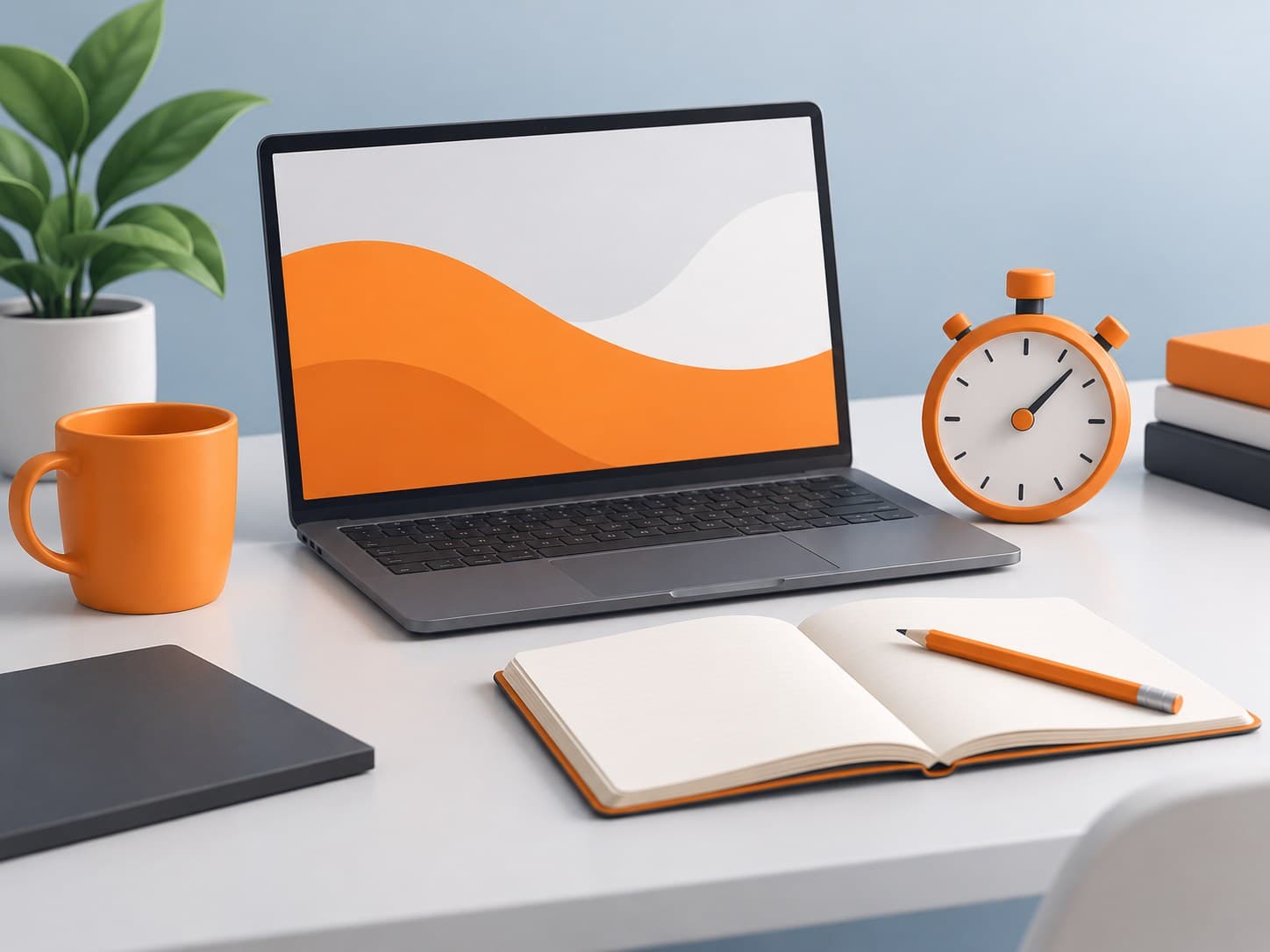
Thirty minutes before: test the link, camera, mic and hotspot backup. Twenty minutes before: read the job description and your resume side by side, and mark the three stories you will tell, ideally in the STAR method format. Ten minutes before: sit down, silence your phone, open a notepad with the interviewer's name and your questions from our questions to ask the interviewer list. Two minutes before: breathe, smile, join.
How this shows on your resume
The video interview exists because your resume earned it. Everything the interviewer asks will start from that document, so the resume and the interview must tell the same story.
- Only list skills you can demo live. Video rounds often include a screen-share task in tools like Excel or SQL.
- Keep bullets quantified so your spoken answers can reuse the same numbers; consistency builds trust.
- Make sure the resume is ATS-clean before applying: ATS resume format covers the structure that gets you shortlisted in the first place.
ATS keywords video-round interviewers probe: communication, remote collaboration, time management, ownership, adaptability, self-motivation.
| Before | After |
|---|---|
| Worked remotely with team members | Coordinated a 6-member remote team across 3 cities; delivered 9 sprints without a missed deadline |
| Good presentation skills | Presented monthly results to 15+ stakeholders over video for a year; zero follow-up clarification requests |
CheatCode's resume builder is the best way to align the document with the interview: quantified bullet suggestions, an ATS score that updates as you edit, and a clean export you can re-read in your 30-minute prep. Free to start.
Recorded video interviews
Some companies, especially in campus and bulk hiring, use one-way recorded interviews: a question appears on screen, you get a short time to think, then you record your answer with no interviewer on the call. They need slightly different preparation.
- Read the instructions twice: check how many attempts you get per question and how long each answer can be.
- Use the thinking time: note three points on paper, then speak to the camera, not the paper.
- Watch the timer: aim to finish 10 to 15 seconds before the limit so you are never cut off mid-sentence.
- Practise on your own phone: record two or three answers and watch them back before the real one.
When something goes wrong
| Problem | What to do |
|---|---|
| Your video freezes | Turn off your camera briefly, say "my connection is weak, I'll keep audio on", then turn it back on when stable |
| You cannot hear the interviewer | Say so straight away and ask them to repeat; do not guess the question |
| Background noise starts | Mute while they speak, apologise once, and carry on |
| The link does not work | Message the recruiter immediately with a screenshot; join from your phone if they send a new link |
| Someone walks into the room | Pause, say "excuse me for a moment", deal with it, and return calmly |
Interviewers forgive technical problems handled calmly. What they remember is panic, long silences, or a candidate who pretends nothing happened.
Platform checklist
- Google Meet: join from a browser signed in to the email you gave the recruiter, so you are not stuck in the "asking to join" queue.
- Zoom: set your display name to your full name, and check whether the meeting needs a passcode.
- Microsoft Teams: the browser version works, but the app is more stable on slow connections.
Related guide: How to follow up after an interview without annoying the recruiter.
Camera presence matters even more on video - our body language tips for interviews cover what interviewers notice first.
FAQs
What if my internet drops during a video interview?
Rejoin straight away with the same link. If that fails, message or call the recruiter with a one-line apology. Keep their number and a phone hotspot ready before the call starts.
What should I wear for a video interview?
What you would wear to the office for that role, head to toe. Solid colors look better on camera than checks or stripes.
Is it okay to keep notes in front of me?
Yes, a single page with bullet prompts is fine and interviewers rarely object. Full scripts are the problem; reading kills eye contact.
What if my internet drops mid-interview?
Rejoin immediately on the hotspot, apologize once, and continue. Message the recruiter if you cannot reconnect within two minutes. Interviewers forgive a drop handled calmly.
After the call, send a thank-you email the same day, and warm up your answers with English communication tips for interviews.
If your next round is in person with several interviewers, read our panel interview tips after this video setup guide.